
How to Find Kalamazoo County Court Dockets
The state runs a single docket search site for every trial court in Michigan. Kalamazoo dockets sit inside it under three court routes. The 8th District Court route holds misdemeanor, traffic, small claims, and landlord-tenant dockets. The 9th Circuit Court route holds felony, divorce, family, and higher-value civil dockets. The Probate Court route holds estate, guardianship, and conservatorship dockets. Picking the right route first saves time.
The screenshot below points at the statewide search front page, which is the same starting place for any Kalamazoo docket lookup.
Source: MiCOURT Case Search.
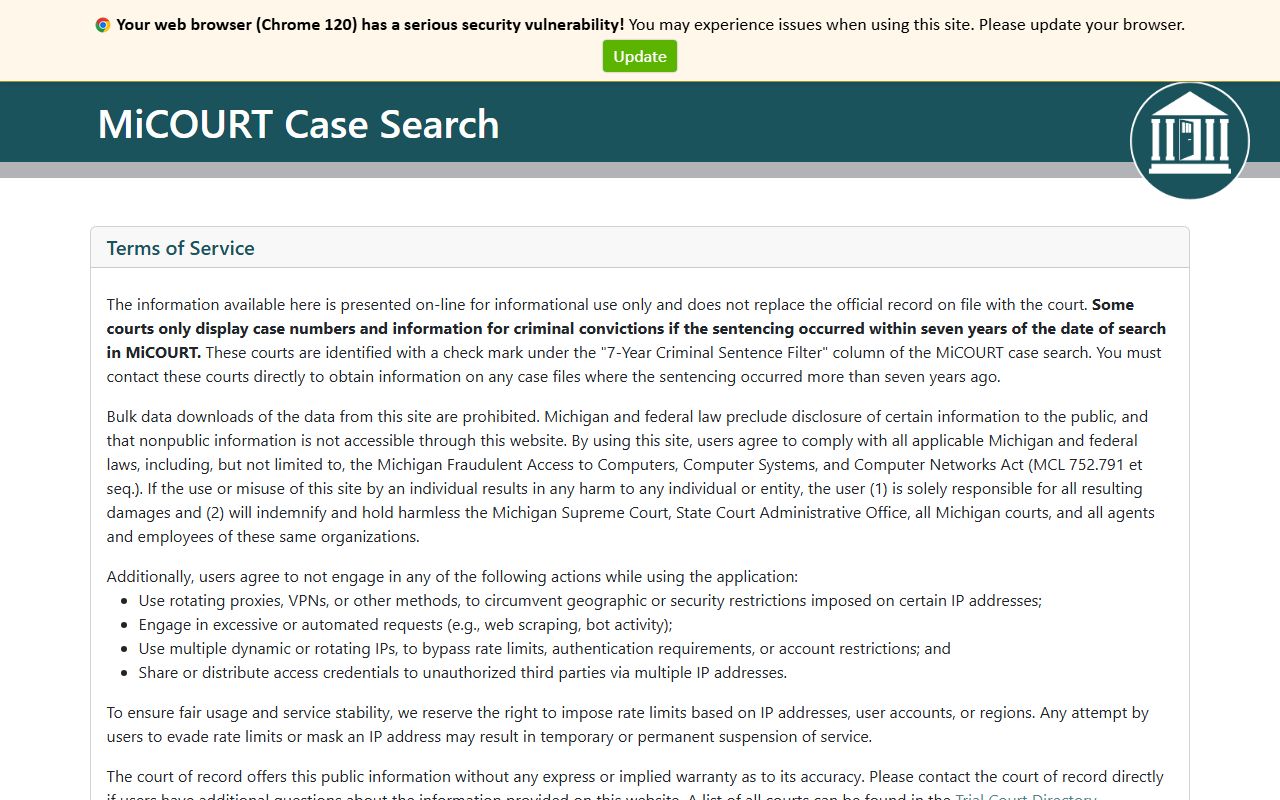
From the front door, pick the Kalamazoo court route, then follow the steps below.
- Open the 8th District Court route (D08) for traffic, misdemeanor, small claims, and landlord-tenant dockets.
- Open the 9th Circuit Court route (C09) for felony, divorce, family, and higher-value civil dockets.
- Open the Probate Court route (P39) for estate, guardianship, conservatorship, and trust dockets.
- Type the party last name. Add first and middle name to narrow common names. Add a birth year if results are still too wide.
- Use the case number field if a notice, ticket, summons, or older docket printout listed one. Exact case numbers return the cleanest result.
- Narrow with case year, case type, case status, filed-date range, or offense-date range. The first search often returns too many hits.
- Open a result to see the case header, parties, charges, events and docket entries, hearings, bond data, and any sentencing or judgment modules the case has.
- Pass a hCaptcha check if the portal prompts. Some advanced or professional views may push toward a state judiciary login. Most basic docket views do not need one.
If a search returns nothing, the most common cause is the wrong court route. A felony under the District route returns blank. A misdemeanor under the Circuit route returns blank. A guardianship under the District route returns blank. Switch the route, then run the name again.
What Is a Kalamazoo County Court Docket
A docket is a timeline. Every filing, hearing, motion, and order in a Kalamazoo case lands on the docket as a dated entry. The docket is not the full case file. It is the running index of what has happened, when it happened, and which party or court actor caused it. Reading the docket gives a fast read on case status, the next hearing date, and the type of order most recently entered. Reading the full case file gives the documents that sit behind those entries.
Each Kalamazoo court keeps its own docket. The 8th District Court holds dockets for traffic, misdemeanor, small claims, and lower civil cases. The 9th Circuit Court holds dockets for felonies after bindover, divorce and family cases, and higher-value civil files. The Probate Court holds dockets for estates, guardianships, conservatorships, trusts, and protected mental-health proceedings. A single party can have entries in two or three Kalamazoo dockets at once: a misdemeanor in district, a divorce in circuit, and a guardianship in probate.
| Item | Court Docket | Full Case File |
|---|---|---|
| Format | Dated list of events | Filed documents and orders |
| Public view | Most entries online | Often clerk-only or copy request |
| Best for | Status, next hearing, last order | Reading the actual pleadings and orders |
| Cost | Free online view | Per-page or certified-copy fees |
| Where held | MiCOURT plus court system of record | Clerk of the court that owns the case |
The split matters. A docket entry that reads "ORD ENT" tells the reader an order was entered, but the actual order text sits in the case file. To get the order, send a record copy request to the clerk of the court that owns the case.
Docket Entry Fields
The MiCOURT public detail view exposes the docket as a group of events. Each event ties to a date, an event type, a party or count when relevant, a short description, and a result or order outcome. The table below shows the fields that show up on Kalamazoo dockets across the three trial courts.
| Event Date | Event Type | Party / Count | Description | Result / Order | Filed By |
|---|---|---|---|---|---|
| Filed date | Complaint Filed | Plaintiff or People | Initial pleading that starts the case | Case opened | Plaintiff, petitioner, or prosecutor |
| Issue date | Summons Issued | All defendants | Official notice to appear or respond | Served or returned | Court clerk |
| Service date | Proof of Service | Named party | Process server or sheriff return | Filed | Process server |
| Hearing date | Arraignment | Defendant | First criminal appearance with charges and bond | Plea entered, bond set | Court |
| Hearing date | Probable-Cause Conference | Defendant | Felony district-court step before exam | Held, waived, or adjourned | Court |
| Hearing date | Preliminary Examination | Defendant | Felony probable-cause hearing | Bound over, dismissed, or waived | Court |
| Filed date | Motion | Moving party | Request for a specific court action | Granted, denied, taken under advisement | Attorney or pro se party |
| Entry date | Order Entered | Court | Written ruling or directive | Filed under seal of court | Judge or referee |
| Hearing date | Pretrial Conference | All parties | Scheduling and plea negotiation | Continued or trial set | Court |
| Filed date | Plea Entered | Defendant or count | Guilty, no contest, or not guilty | Accepted or rejected | Defendant |
| Sentencing date | Sentence Imposed | Defendant or count | Punishment with fines, costs, probation, or jail | Sentence entered | Judge |
| Entry date | Judgment | Plaintiff or defendant | Final civil ruling with money or relief | Filed, satisfied, or appealed | Court |
| Action date | Bond Action | Defendant | Bond ordered, posted, forfeited, or returned | Status updated | Court or surety |
| Filed date | Garnishment | Creditor and debtor | Post-judgment collection on wages or accounts | Issued or returned | Judgment creditor |
| Filed date | Notice | All parties | Hearing notice, notice of intent, or notice of appeal | Served | Filing party |
Reading the docket from top to bottom gives the full life of the case. Reading only the most recent five entries gives a quick read on where the case stands today.
Hearings and Court Calendars
Hearings show up on the docket as a dated event. The case-detail view often pulls them into a separate hearings module. Each hearing entry usually carries a date, a time, a hearing type, a judge or magistrate, and a courtroom number or virtual link. A "Pretrial Conference" on the docket is a hearing. A "Motion Hearing" is a hearing. A "Sentencing" is a hearing. A "Status" or "Review" entry is a hearing. All four roll up into the case calendar.
The hearing module is the right place to confirm the next court date. A docket entry can read "scheduled" weeks before the date and "held" after it. Some cases also use "adjourned" when a hearing is moved. Adjournment entries tie back to the new date, so reading both lines prevents missed-hearing errors. A virtual link or in-person courtroom number can also live on the entry. The 8th District Court publishes its Virtual Court Portal for remote appearance, which is the right link when the docket entry shows a Zoom or WebEx hearing type.
Two short rules help here. First, never rely on a printout. Pull the docket fresh on the day before a hearing. Second, when the docket and a paper notice disagree, call the clerk. Same-day moves happen, and the docket is the live source.
Note: A hearing entry may show on the docket before the formal notice mails. Treat any scheduled hearing on the docket as a real court date until the docket itself shows a change.
Charges, Counts, and Bond on a Docket
Criminal and traffic dockets carry a charges module. Each charge ties to an offense date, a charge description, a charge level, a count number, and a statute reference. The charges module also lists the issuing agency or officer and any sentencing date for that count. Civil dockets do not use charges; they use a cause of action stated in the complaint, with money or other relief on the back end. Reading every count is critical. Three counts can resolve three different ways. One can plead, one can dismiss, one can go to trial. The docket tracks all three.
Bond data is its own module on a Kalamazoo criminal docket. Fields commonly include a bond number, the charge count linked to the bond, the arrest date, the assessment date, the released date, any failure-to-appear date, the forfeiture date, the bond ordered date, and the current bond status. A failure-to-appear entry usually triggers a bench warrant. A forfeiture entry usually triggers a separate civil-forfeiture process against the bond money. The status field is the fast read on whether the defendant is free, held, or wanted.
Money items can also show on the docket. Fines, costs, restitution, license-clearance fees, and probation supervision fees show on the financial module. Some District cases also carry a payment link. The 8th District Court publishes a Payment Information page for online and mail options. Garnishment dockets show creditor name, garnishment number, the order, and any answers from the garnishee.
Parties and Attorneys on Dockets
Every Kalamazoo case docket lists each party with a role. Civil cases list a plaintiff and one or more defendants. Criminal cases list the People of the State of Michigan as the prosecuting party and one or more defendants. Probate cases list a petitioner, decedent or ward, and interested persons. Family cases list a petitioner and respondent. The party module also exposes the party type, an alternate-name field for aliases or maiden names, and the attorney of record when one has appeared.
Attorney data on a Kalamazoo docket usually shows the attorney name, the firm, and an answer date. MiCOURT also publishes a separate professional-number search route. A user who knows a Michigan attorney's professional number can pull every public case the attorney appears on. The route is useful for confirming counsel before a hearing, checking whether an attorney has a current appearance, or finding a pattern of representation across district, circuit, and probate dockets.
Pro se parties also show on the docket. A pro se litigant appears as the party with no attorney of record, and any filings come in under the party name rather than a firm. The court's self-help links and the Office of the Public Advocate can help with criminal indigent defense intake.
Probate Court Docket Fields
Probate dockets read differently from district and circuit dockets. A Kalamazoo Probate Court docket tracks the life of an estate, guardianship, conservatorship, or trust. The party module exposes a probate-specific status, and the case file modules add fields that do not appear on a misdemeanor or divorce docket. The P39 route is the only correct entry point for these cases.
The screenshot below points at the official Probate Court page, which is the live source for current contact and workflow information.
Source: Kalamazoo County Probate Court.
Common probate docket fields include the guardianship review type and the next review date, the inventory amount and the inventory date, the qualification document on file, and the qualification date. A guardianship review entry signals the court's regular check on the ward's situation. An inventory entry signals the fiduciary's filed list of assets and values. A qualification entry signals that a personal representative or guardian has been formally sworn in. Letters of authority, accountings, notices to creditors, and orders also appear on the timeline.
Mental-health probate matters carry extra restrictions because the file holds clinical and personal health detail. The docket may show that a case exists without exposing the underlying records. Sealed or restricted entries return to the clerk's counter for any further view.
How Docket Updates Appear and Lag Times
Docket updates are not real time. A clerk enters most events into the case management system after the courtroom action wraps. New filings travel from the intake counter to the docket. Hearing results travel from the courtroom to the docket. Sentencing orders travel from the bench to the docket. The lag is usually short, but it is real. Same-day searches can miss morning rulings. Friday-afternoon orders can show up Monday morning. Holiday weekends stretch the lag further.
Some entries also batch. Financial postings, payment receipts, and bond releases sometimes show up overnight rather than at the counter. Garnishment answers and post-judgment collection events can lag by several days. Sealed orders may drop a public case off the docket without notice. A juvenile or adoption case may never appear on the public docket at all because of statutory confidentiality. Michigan Court Rule 8.119 sets the basic framework for court-records access; juvenile confidentiality is under MCL 712A.28 and adoption confidentiality is under MCL 710.67. Set-aside convictions under MCL 780.621 drop out of ordinary public access after the order.
For any time-sensitive read, call the clerk. The MiCOURT view is convenient. The court file is the record of record.
Requesting Documents and Certified Copies
A docket entry shows that a document exists. Getting the document is a separate step. Each Kalamazoo trial court runs its own copy workflow under MCR 8.119 and local administrative rules. The District Court publishes a Court Record Copy Request form for case copies. The District Court also publishes a separate Transcript Request form for recorded hearing transcripts. Circuit Court copies move through the County Clerk. Probate copies move through the Probate Court clerk.
The county also runs a general Record Requests page that ties together administrative requests across offices. A certified copy carries the clerk's seal and is the version courts and agencies usually require for legal use. A plain copy is fine for personal review. Identity and case-number information speeds every request.
SCAO publishes the statewide official forms used in Michigan court filings. The SCAO forms library covers fee waivers, subpoenas, motions, and many filing types that show up on a Kalamazoo docket as new entries.
The screenshot below shows the SCAO forms library, which is the right starting point for any filing that has to land on a Kalamazoo docket.
Source: Michigan SCAO Forms.
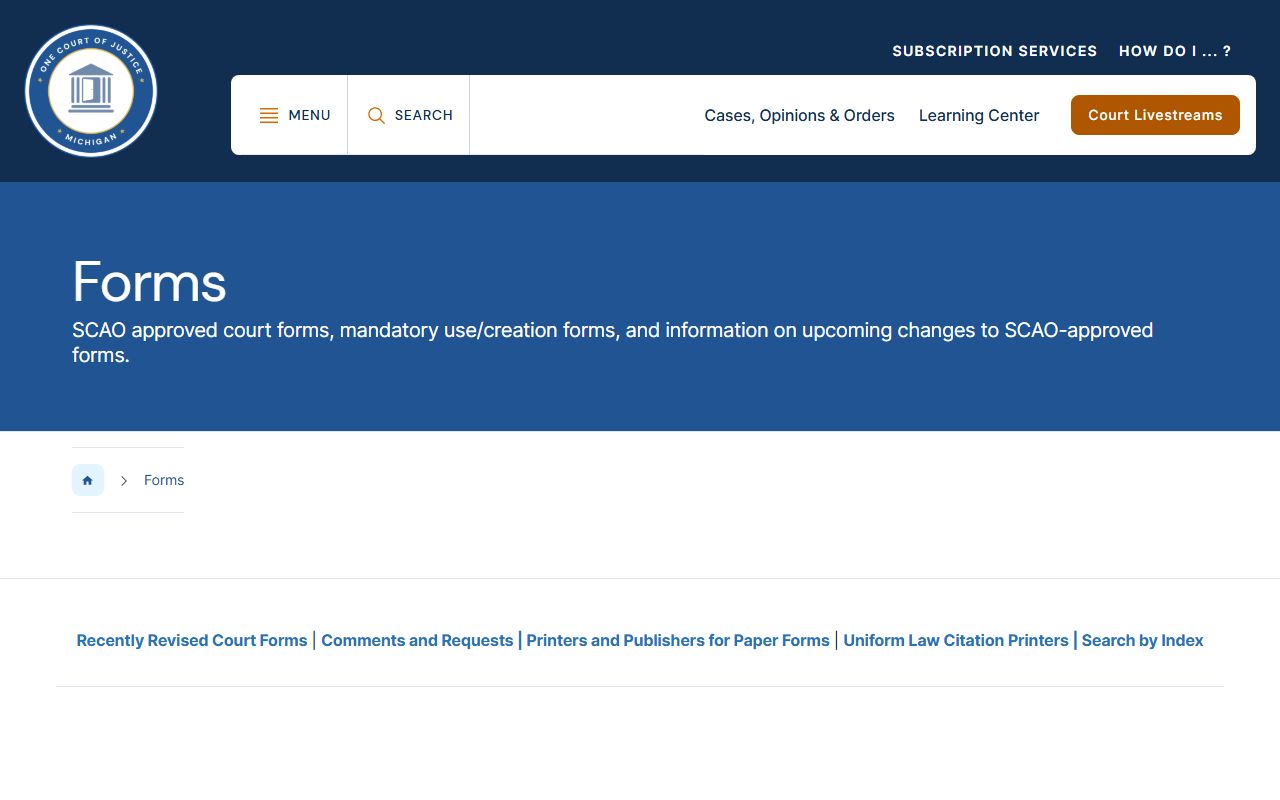
Filings that meet SCAO format and content standards clear the intake counter faster, which means they hit the docket sooner.